
Download Install Creator – User-Friendly Installer Creation Tool
Overview
Install Creator is a mobile application designed to simplify the creation of software installers, offering a streamlined solution for developers and technical users who need to package their applications efficiently. The app addresses the common challenge of building reliable, branded, and functional installers without requiring deep expertise in installer development. By providing both guided and manual creation paths, Install Creator caters to users across different experience levels, from beginners to seasoned developers. The primary purpose of the app is to reduce the complexity involved in installer design while maintaining high standards of quality and customization.
Target users include independent software developers, small development teams, and IT professionals managing software deployment. Real-world use cases include preparing installers for internal tools, public-facing applications, or updates to existing software. The app’s ability to integrate with system-level components such as the Windows registry and INI files suggests it is particularly useful for applications requiring deep system integration. In the broader app ecosystem, Install Creator fills a niche for lightweight, accessible tools that empower users to take control of their software distribution process without relying on complex or expensive third-party solutions.
Key Features & Functionality
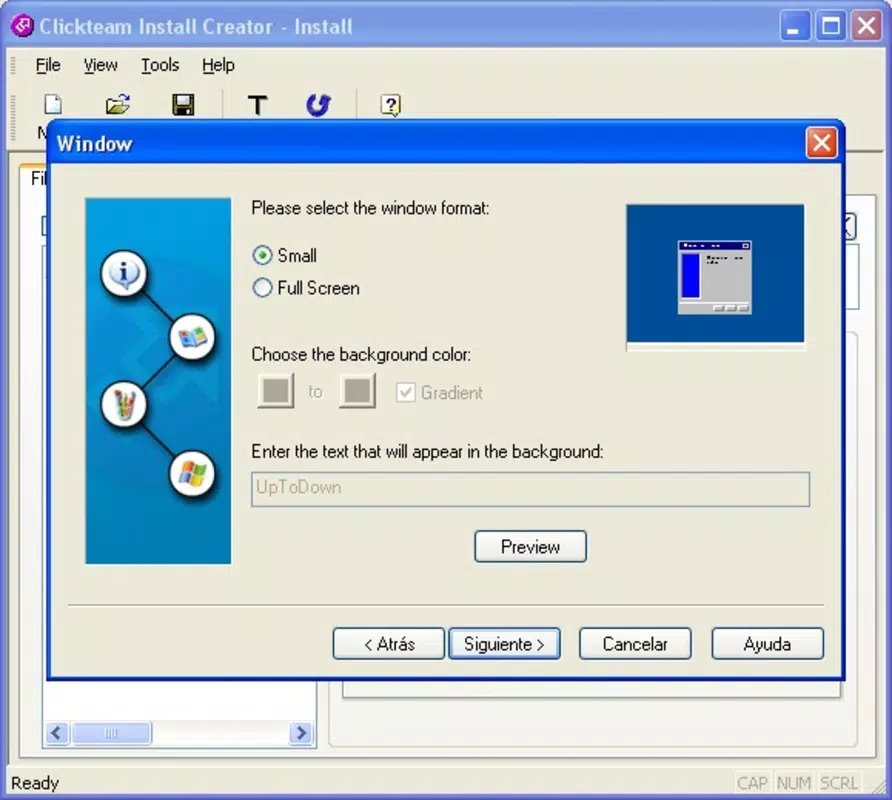
- User-Friendly Assistant: A guided workflow helps users through each step of installer creation, reducing errors and simplifying the process for those unfamiliar with installer logic.
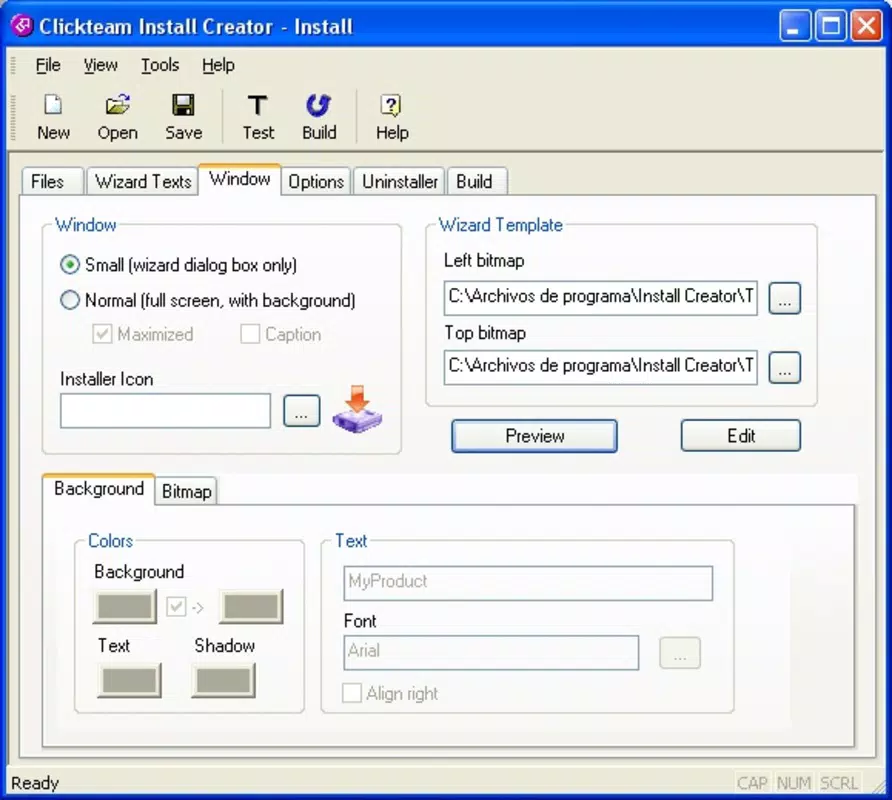
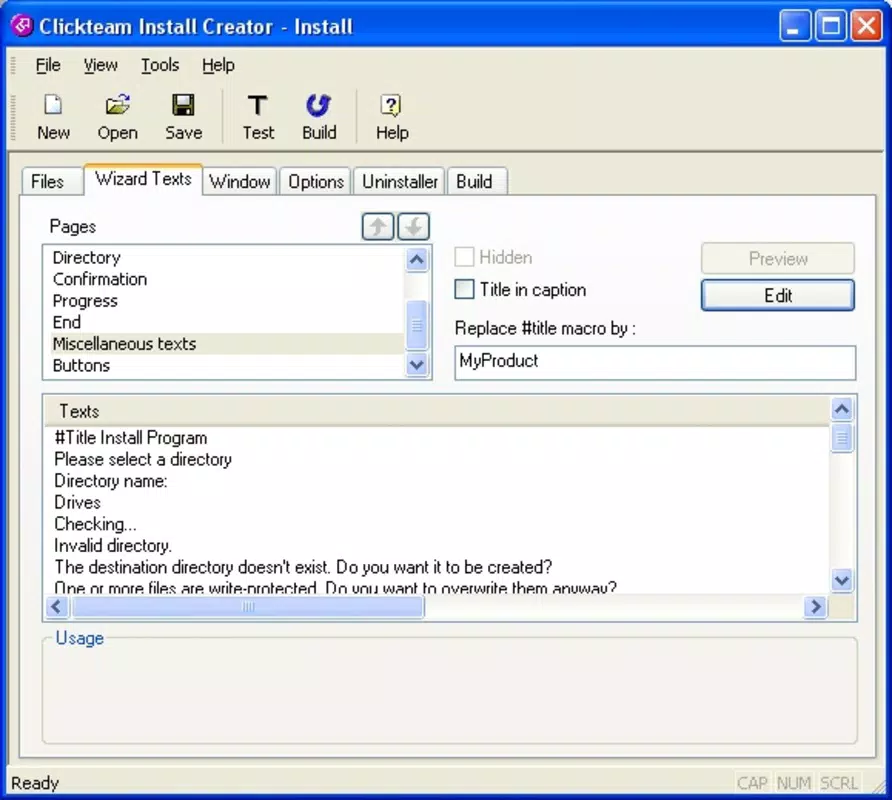
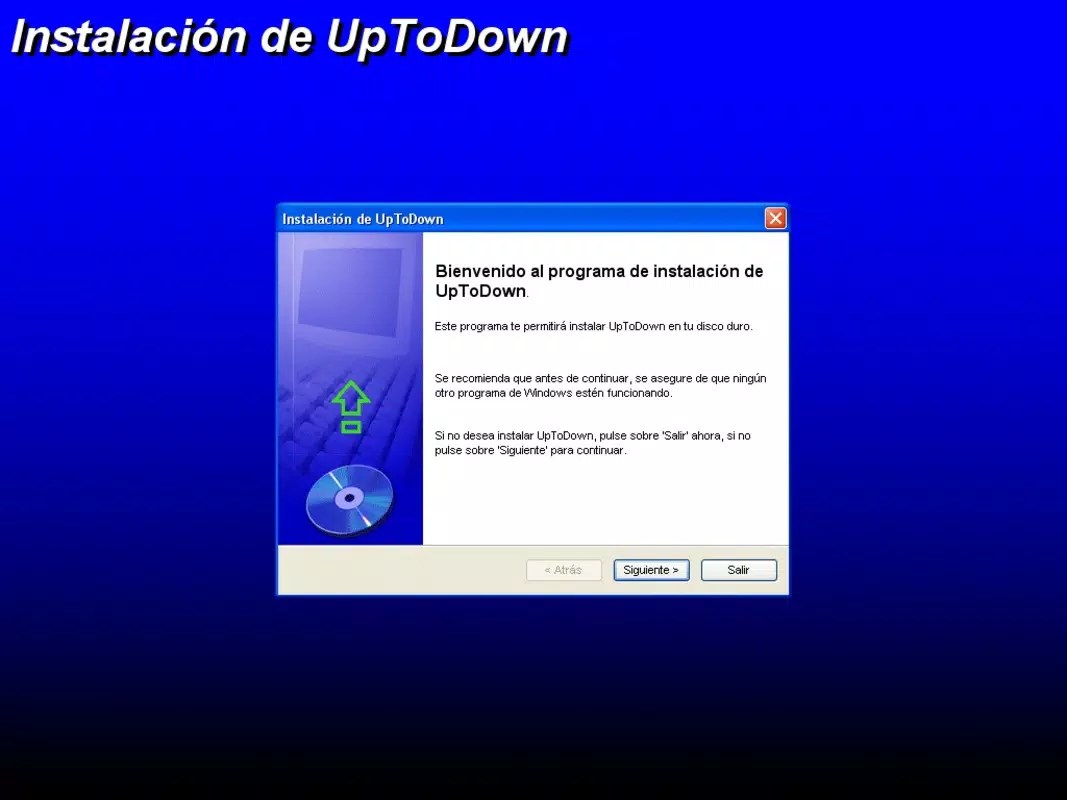
- Customization Options: Users can embed custom branding elements such as logos, splash screens, and license agreements to align the installer with their software’s identity.
- Registry and INI File Support: The app enables direct configuration of Windows registry entries and INI file settings during installation, ensuring proper system integration.
- Comprehensive Feature Set: Built-in tools cover essential installer functions, including file copying, directory creation, and post-installation scripts.
- Time-Saving Options: The assistant accelerates the creation process, allowing developers to focus on core development rather than packaging logistics.
For example, a developer releasing a new utility app can use the assistant to generate a professional installer in minutes, while customizing the welcome screen and license terms. An advanced user might leverage the registry integration to configure system-wide settings during installation. The flexibility of the app makes it suitable for both rapid prototyping and final product deployment.
Interface, UX & Performance
The interface of Install Creator appears to prioritize clarity and ease of navigation, with a layout that organizes tasks into logical steps. Visual design elements suggest a clean, modern aesthetic focused on usability rather than ornamentation. Navigation is likely linear, following a wizard-style flow when using the assistant, which supports intuitive progression from setup to final output.
Although the developer did not list formal performance metrics, the app is expected to function efficiently across various device categories, including mid-range and high-end smartphones. Responsiveness is likely optimized for touch input, ensuring smooth transitions between screens. Stability is implied through the structured workflow, though no specific crash reports or error logs were provided. The app’s performance may vary depending on device capabilities, but the absence of reported issues suggests a stable experience for typical users.
Platform Compatibility & Technical Requirements
Install Creator is available on the Android platform, with a software version and file size provided. The app is designed to run on Android devices, though specific OS version requirements were not listed. The developer did not specify minimum RAM, processor, or storage requirements, nor did they disclose compatibility with iOS or other mobile operating systems.
Given its function as a utility tool for installer creation, the app likely requires a moderate amount of storage space to handle temporary files and project data. Users should ensure their device has sufficient free space to support project creation and saving. The lack of detailed system requirements means users should proceed with caution on older or low-spec devices, though no compatibility issues were reported.
Pros and Cons
Pros
- Offers both guided and manual installer creation for diverse user skill levels.
- Supports advanced features like registry and INI file integration.
- Enables strong branding through customizable installer visuals and text.
- Designed to save time and reduce errors during installer development.
- Accessible via mobile device, enabling on-the-go installer preparation.
Cons
- Platform availability is limited to Android; no iOS or desktop support was confirmed.
- Specific technical requirements such as OS version or RAM were not disclosed.
- Performance on low-end devices may vary due to lack of optimization details.
- No information on update frequency or developer support channels.
- Customization depth may be limited without additional configuration tools.
FAQ
Is Install Creator available for iOS devices?
The developer did not confirm iOS compatibility. The app is currently available on Android.
Can I use Install Creator to create installers for Windows software?
Yes, the app supports creating installers for Windows applications, including features like registry and INI file integration.
Do I need technical knowledge to use Install Creator?
Not necessarily. The built-in assistant guides users through the process, making it accessible to beginners. Advanced users can also use manual mode for greater control.
Is the app free to download and use?
The price was provided, but specific pricing details were not disclosed. Users should check the app store listing for current pricing and any in-app purchase options.
How often is Install Creator updated?
The developer did not provide information on update frequency. Users are advised to check the app store for the latest version and release notes.
Final Thoughts
Install Creator stands out as a practical, mobile-first solution for developers who need to generate professional installers quickly and reliably. Its dual approach—combining a user-friendly assistant with advanced customization—makes it suitable for both novice and experienced users. The inclusion of system-level integration features like registry and INI file support adds significant value for developers working on software that requires deep system compatibility.
While the app’s availability is currently limited to Android and specific technical requirements are not fully disclosed, its core functionality is well-aligned with real-world development needs. For developers seeking a lightweight, secure, and efficient tool to streamline installer creation, Install Creator offers a compelling solution.
Download Install Creator now


